Free catalog review
How much of your catalog can be styled? Find out before you install anything.
A short review of your catalog, from the product export you already have in Shopify. Free, no admin access, on terms you sign first.
Request your free reviewTwo business days. Withdraw at any time.
Catalog review for
Halden & Rye
The verdict
Ready with a few pins
Outfits work across your catalog today. Three of your highest-priced products need a pin to join in.
98%
of your clothing can show a complete outfit
17 of 20
highest-priced products can show an outfit
3.0
products in a typical suggested outfit
The five parts of an outfit
- Tops43 in your catalog
- Bottoms27 in your catalog
- Outerwear16 in your catalog
- Shoes13 in your catalog
- AccessoriesStyled pick fills it
What this means for your shoppers
On 109 of your 111 clothing products, a shopper sees a full outfit and can add it to the cart in one go. Where your catalog stops, a labeled Styled pick completes the look.
Example cover of a review on the demo catalog. Yours is built from your own products.
Where your catalog stops, a Styled pick from Brummell's unbranded example catalog completes the look: labelled, never priced, never sold, and off with one switch.
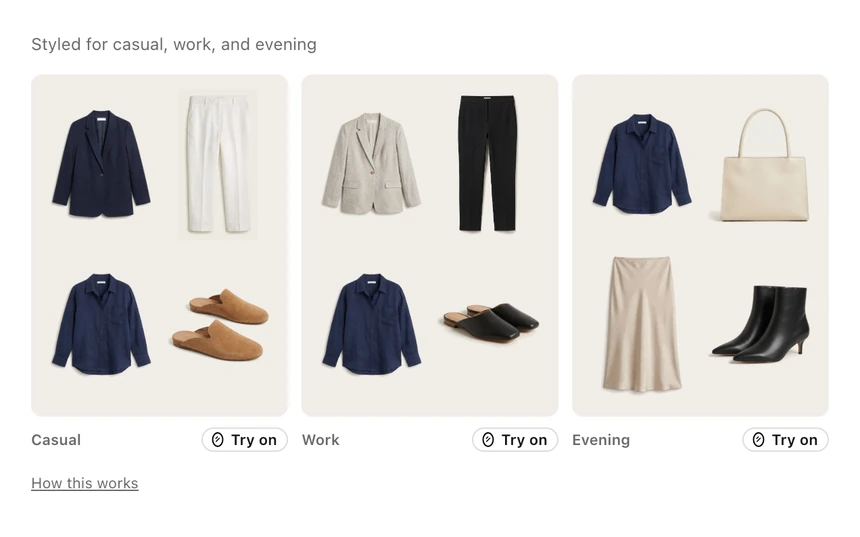
What the review measures: whether a product like this can show outfits from your own catalog.
How it works
Today
Request
Tell us the store and who you are. Nothing is read yet.
Your inbox
Sign from your inbox
Press Confirm and sign in the email we send: that is your signature.
Your choice
Install, or send your export
Reply with your product export from Shopify, about a minute. Once the app is listed, installing it does this for you.
Within two business days
Get the review
A short PDF: what can be styled, which categories are missing, what to pin first.
From an address on your store's domain, the signature is all we need. From any other address we also check with your store's published contact before we start.
How we get your catalog
Two routes to the same signed review, free either way. Until the app is listed, the export is the way.
Install the Brummell app
The same estimate appears in Brummell's admin within minutes, under the Merchant Terms you accept in the install screen. Nothing shows on your storefront until you add a block. Uninstall at any time from the Apps page in your Shopify admin.
If you uninstall
- Your sign-in to the Brummell app is deleted at once.
- About 48 hours later, when Shopify sends its store data deletion request, we delete everything Brummell learned about your products, your settings, plan and pins, measurements, try-on images and the rest.
- Your theme blocks and product fields stay, because they are yours. The full list
Send your product export
- 1In your Shopify admin, go to Products.
- 2Click Export (top right).
- 3Choose "All products".
- 4Choose "Plain CSV file".
- 5Click "Export products".
- 6Small catalogs download at once; larger ones Shopify emails to you and the store owner.
- 7Reply to our signed-copy email with the file attached, or send it to support@brummell.tech from the address you signed with.
The file holds only the products you export; anything you leave out we never see. What it contains
What you send, what we never touch
What you send us
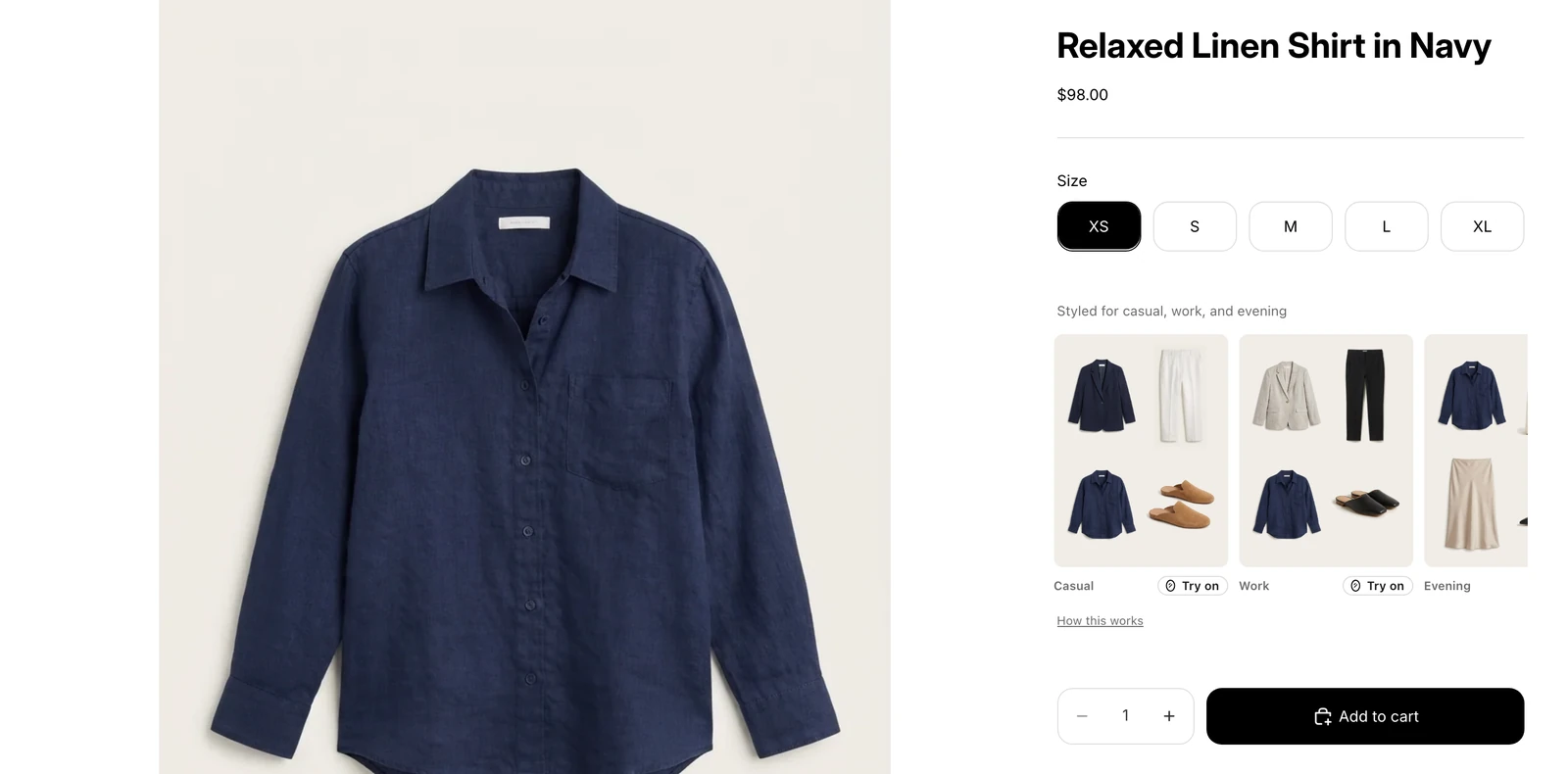
Your product export: the same titles, prices, variants and image links your product pages show.
- Product titles, descriptions, types, vendors and tags
- Variants, sizes, colours, prices and availability
- Image web addresses (we do not download your images)
- Only the products you choose to export
We never touch this
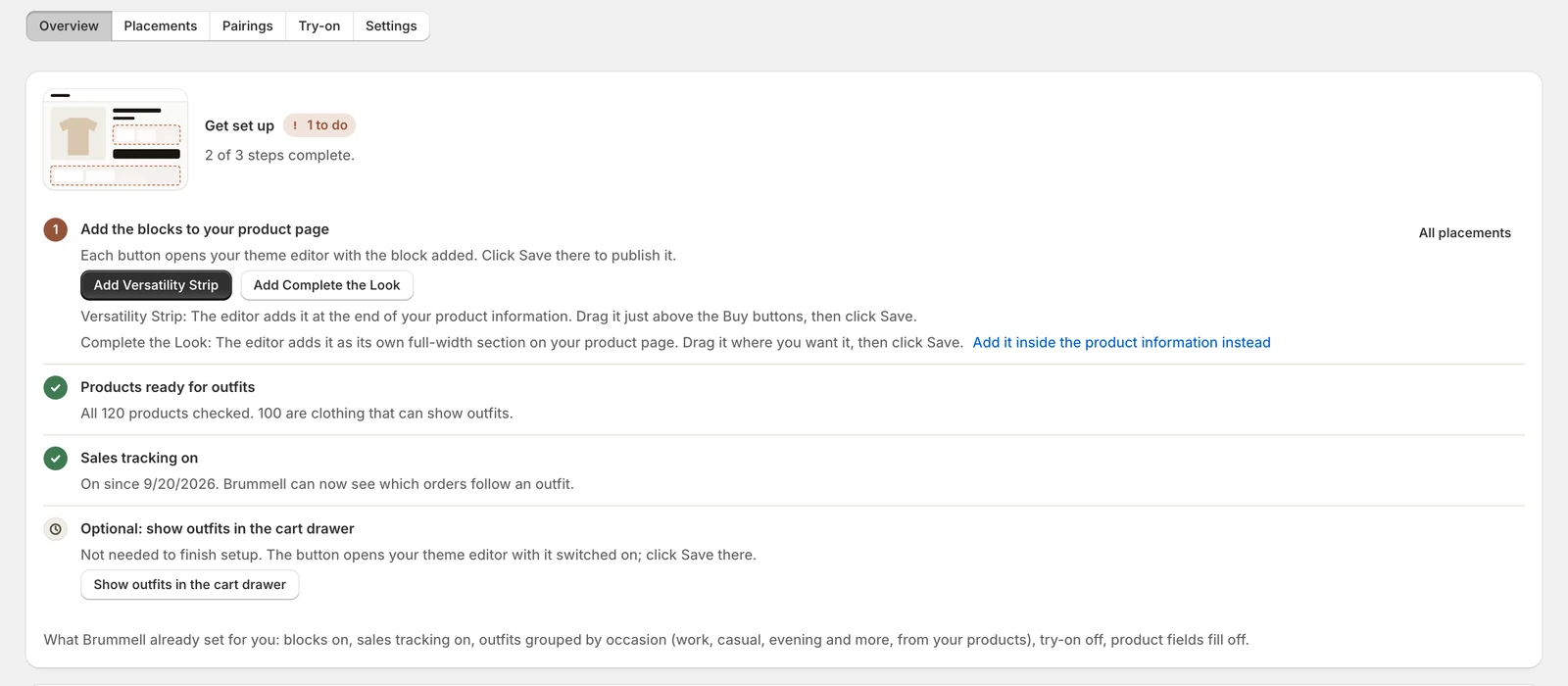 Never
- Your admin, logins or API keys: the export needs nothing installed or granted
- Orders, customers, analytics, inventory counts
- Private pages, and any product you leave out of the export
- Your store itself: we write nothing, add nothing to a cart, buy nothing
We never read your storefront for the review. Shopify's terms allow a partner to read a store only through an app install or credentials you issue, so we work from the export you send, or from the app's own permissions once installed.
Full Catalog Review Terms (version 2026-11-03b)
How we handle it
- Your export is opened once, on our servers, and processed with the same outfit-pairing engine as the app
- For the style profile, an Anthropic model reads each listing and returns style attributes; nothing is used to train any model
- Export, working files and the PDF are deleted 30 days after delivery
- Withdraw at any time with the link in our emails
Used only to prepare your review: never published, shown to anyone else, sold, used to train a model or added to any catalog. The full Catalog Review Terms (version 2026-11-03b) are one page.
Request your review
What happens next
- 01RequestedYou send the form. Nothing is read yet.
- 02SignedYou press Confirm and sign in the email we send.
- 03Catalog inYou reply to our email with your product export from Shopify.
- 04Review sentA PDF in your inbox within two business days of your catalog arriving.